

Choosing a CPU for sim racing seems simple at first glance. You grab some benchmarks, compare some specs and pick the chip that comes out on top. In practice, it doesn't work like that. Sim racing feels different from many other games. It is not just about high FPS, but about rest. About frametimes. About the feeling that during a heavy stint, your system doesn't struggle, but rather disappears into the background.
The question comes up more and more often: Intel or AMD? And the honest answer is that it is not as simple as it used to be. Intel dominated gaming benchmarks for years. AMD followed and caught up. And now AMD, with its X3D technology, has built a lead that is particularly palpable in sim racing.
This is precisely why I wanted to make this comparison from real-world experience. My ultrawide setup runs on a AMD Ryzen 7 9800X3D. My triple monitor setup uses a Intel Core i9-14900K. Two strong systems, two different characters. And the longer I drive it, the clearer the difference feels. The Intel machine is fast. There is little debate about that. But in sim racing, the AMD build feels quieter, more consistent and more focused on exactly what a simulator calls for.
TL;DR
For pure sim racing, AMD is currently the logical choice, mainly due to its Ryzen X3D processors, while Intel remains especially interesting if video editing, multitasking or an existing Intel platform weighs heavily.
That doesn't mean Intel suddenly drops out. It does mean that the question “Intel or AMD?” is too often asked too generally. The real question is: what do you want your PC to do? Are you looking for the widest possible system for gaming, work and video editing? Or are you mainly building a machine that will be used in iRacing, Le Mans Ultimate, Automobilista 2 or Assetto Corsa feel as stable and natural as possible?
That is exactly what this article is about. Not about empty brand preference. But about practice, nuance and the translation into a complete gaming pc that is truly right. Because you don't choose a sim racing pc based on one individual component. You choose a total package. And the CPU is much more decisive in this than many people think beforehand.

Summary
Snel naar
Looking for the best CPU for sim racing in 2026, you often end up with AMD. The Ryzen X3D models in particular are very much in line with what simulators demand: stable gaming performance, strong frametimes and plenty of peace of mind in CPU-limited scenarios. Intel remains serviceable, but for iRacing, Le Mans Ultimate and heavy ultrawide, triple screen or VR builds, AMD simply makes more sense at the moment.
- AMD X3D is currently the strongest route for pure sim racing
- Intel remains relevant for video editing, multitasking and existing Intel builds
- Sim racing requires not only brute force, but above all stability and consistent frametimes
- The CPU is important, but without a good balance with GPU, RAM and cooling you are still building askew
- A smart sim racing PC starts with your use case, not the most expensive component

What does a CPU actually do in sim racing?
Before you choose, it is useful to understand what the processor actually does when you drive a lap. In a simulator, the CPU is constantly calculating: your car's physics, tyres, ride height, aerodynamics. At the same time, it processes the AI or online drivers on the grid, the network data in online races, the audio and some of the in-game llogic. Your GPU takes over image rendering, but everything the world rotate - That's the processor.
The result: sim racing is inherently more CPU-sensitive than many other game types, especially for large grids, online races or complex tracks like Le Mans. And because those calculations are largely sequential - one frame after another, step by step - single-core performance is crucial. Not the number of cores, but how fast one core works. This is precisely why the architecture differences between Intel and AMD are so relevant for sim racers.
What is the difference between an Intel and AMD CPU?
In short, it revolves around two different architectural choices, but let me explain briefly:
- AMD stacks extra cache memory directly on the chip (3D V-Cache). As a result, the processor does not have to reach as far for data, giving lower latency. In gaming and sim racing, this translates to more stable frametimes and fewer dips - precisely in the scenarios where a simulator pulls heavily.
- Intel takes a hybrid approach with fast performance scores as well as efficiency scores for background tasks. Strong in multitasking, video editing and broad productivity workloads. Clock speeds are high, but without that extra layer of cache, Intel loses ground as soon as a game constantly needs to address small chunks of data quickly.
Is AMD really that much better than Intel for sim racing?
The core difference for sim racing: AMD optimises for gaming-specific loads, Intel optimises more for versatility. In a simulator that computes sequentially, makes lots of cache claims and demands stable frametimes, AMD's approach currently wins.
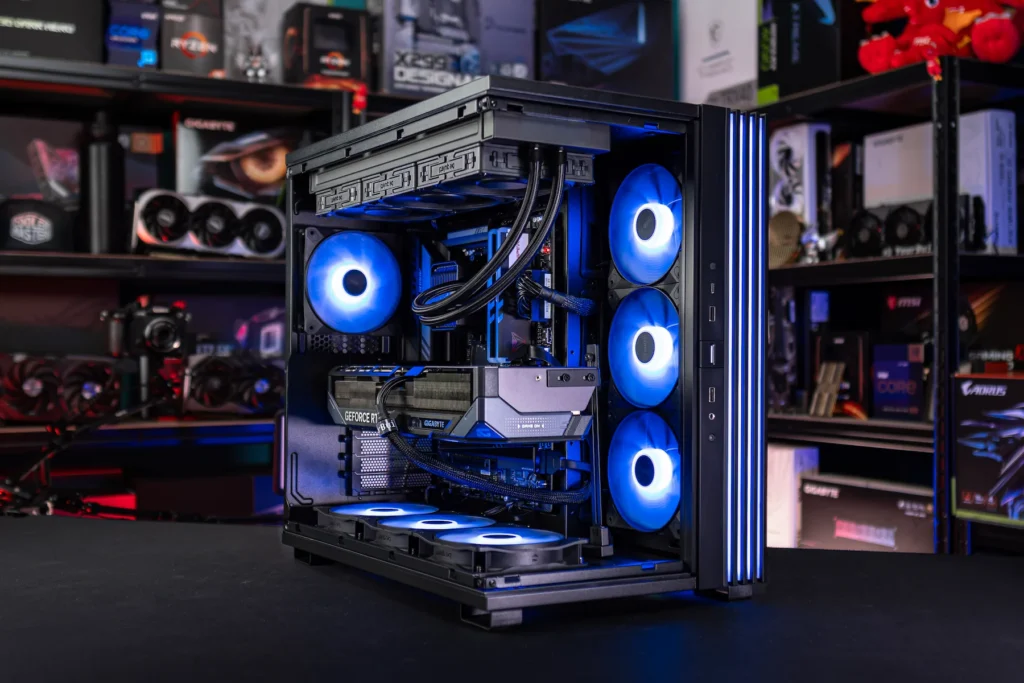
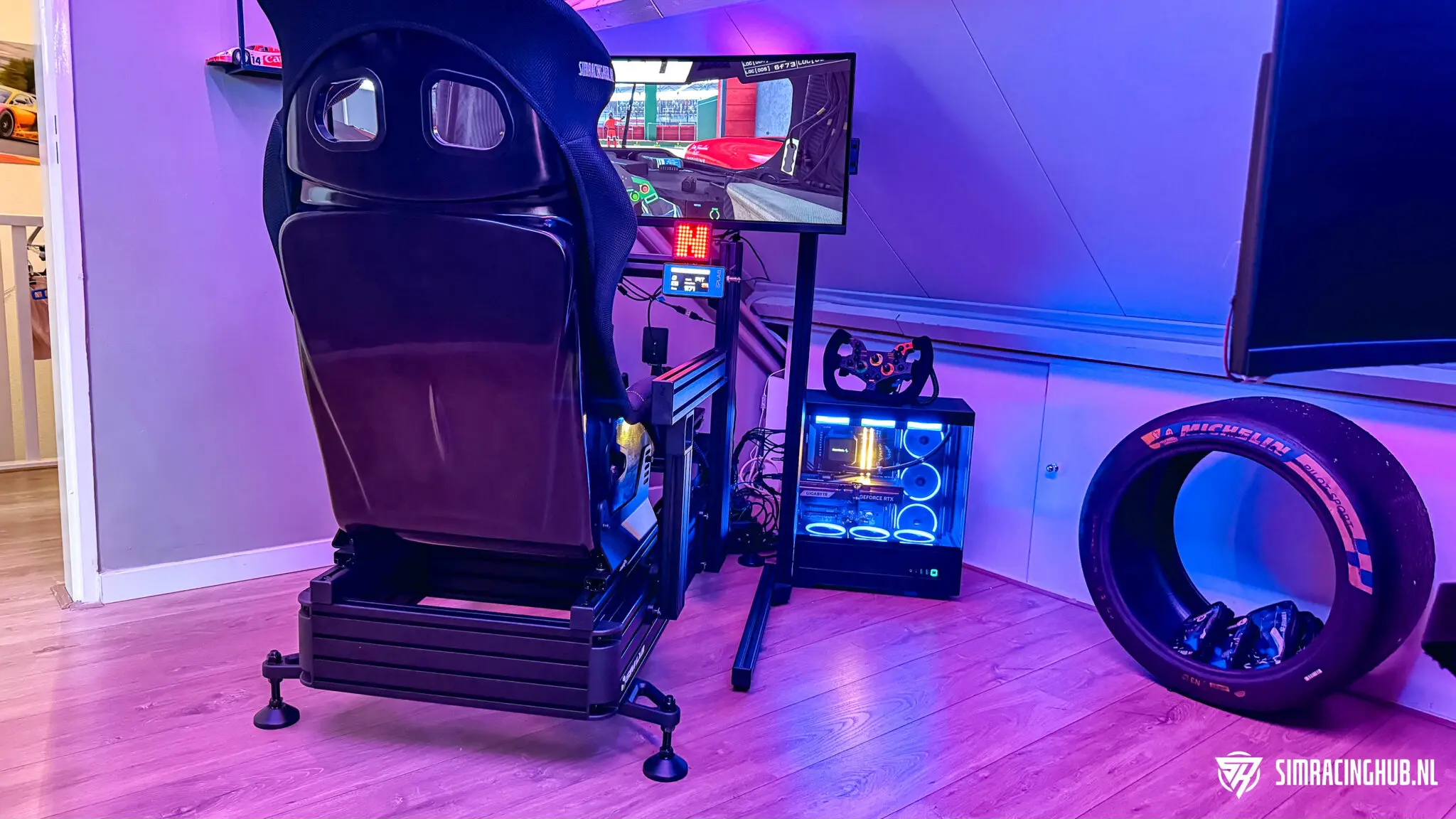
I have been racing two different systems side by side for some time. My ultrawide setup Runs on an AMD Ryzen 7 9800X3D. My triple monitor setup uses an Intel Core i9-14900K. Precisely because I experience both platforms side by side in real life, this comparison does not feel theoretical to me. I really notice a difference.
This starts with the character of the system. My Intel machine is fast. There is little dispute about that. But my AMD build feels quieter. More consistent, too. Less of those little moments when you feel the system has to work just a little harder to keep everything tight. That difference is not always spectacularly visible in a single separate benchmark figure. While driving, you do notice it.
“The Intel build is fast and versatile. The AMD build just feels quieter and more consistent at times when the CPU peaks.”
A fair nuance needs to be added right away. Of course, my ultrawide setup and triple monitor setup are not one-to-one comparable. This is not a sterile lab test where only the CPU changes and everything else remains identical. But even with that caveat, my preference for sim racing remains clear. Looking purely at how a system feels while driving, I have a more positive experience with the Ryzen 7 9800X3D.
And that is exactly why this question is relevant. Many gaming PC buying guides still pretend that every gamer needs the same thing. That's not true. A sim racing PC has different priorities than an all-round gaming PC or a video processing machine. That is precisely where the difference lies.
Those who mainly play AAA games on one screen can sometimes get away with choices that feel less logical in sim racing. Sim racing is more sensitive to minor irregularities. Not only because simulators are technically demanding, but also because, as a driver, you notice much more quickly when the system is not fully cooperating. A minute hiccup at a braking point, a small frame-time spike on a busy first lap or just a little less quiet in VR feels more immediately disturbing here than in many other games.
This is why I think the question “Intel or AMD?” in itself is actually too simple. The real question is: what do you expect from your PC when you drive? Above all, are you looking for as widely usable a system as possible? Or do you want a machine that requires as little attention as possible in sim racing, so you can focus entirely on driving? Once you look at it that way, the answer often becomes a lot clearer.
What does a CPU do in sim racing and why does it make a difference?
In sim racing, the processor does more than many people think beforehand. The GPU renders the image, but the CPU meanwhile processes vehicle physics, tyre models, AI cars, network traffic, timing, telemetry and some of the game logic. Especially in simulators with large grids or complex physics, that load can be hefty.
You especially notice this in scenarios where the system must not only deliver high average FPS, but also remain stable at the times when everything is happening at once. A busy first lap. A heavy rain race. A large field in iRacing. A demanding track in Le Mans Ultimate. Then it's no longer just about raw speed, but about how tightly and consistently a processor keeps doing its job.
And that is exactly why sim racing does not respond quite the same as many other games. Not every game benefits from the same CPU architecture in the same way. In sim racing, frametimes, cache behaviour and rest under load are often more important than people think.
There is also an important misunderstanding there. Many people still mainly look at the number of cores as if that automatically tells the whole story. In practice, this is more nuanced. Of course it helps if a modern CPU has enough cores and threads for background tasks, edge software and extra load. But in sim racing, it is often ultimately about how quickly and efficiently a processor handles critical tasks at the moment the simulator demands it.
Therefore, a CPU that is “enough” on paper does not automatically feel really good. Two systems can both achieve high frame rates but still feel different. That very difference between an averagely fast system and one that holds up nicely even under pressure matters a lot more in sim racing than you might think beforehand.
Why frametimes are more important than just high FPS
Many hardware discussions get stuck on average FPS. Understandable, as that is an easy number. But in sim racing, it doesn't say everything by a long shot. A system can achieve high performance on paper and still feel less pleasant once the load peaks.
Frametimes are more important then. Not as a hype term, but as a practical reality. After all, you feel while driving not only how high your frame rate is on average, but more importantly how stable the image and input remain at the moments when the sim demands a lot. This is exactly why a build with “enough power” can still feel choppy in practice.



Especially in a sim racer, you want predictability. You want the system to keep calm while you drive at the limit. No slight hiccups when turning in. No slight restlessness when the grid bunches up in turn one. No vague feeling that the PC suddenly runs less cleanly at certain combinations of car, track and weather conditions. These are not details. That is at the heart of why hardware in sim racing feels different from many other games.
That's also why my preference is not purely based on a benchmark mentality. I don't just look at “which cpu is faster?”, but mainly at “which cpu feels most natural while driving?”. And that's where AMD just scores better for me at the moment.
AMD 3D V-Cache: what it is and what you notice about it
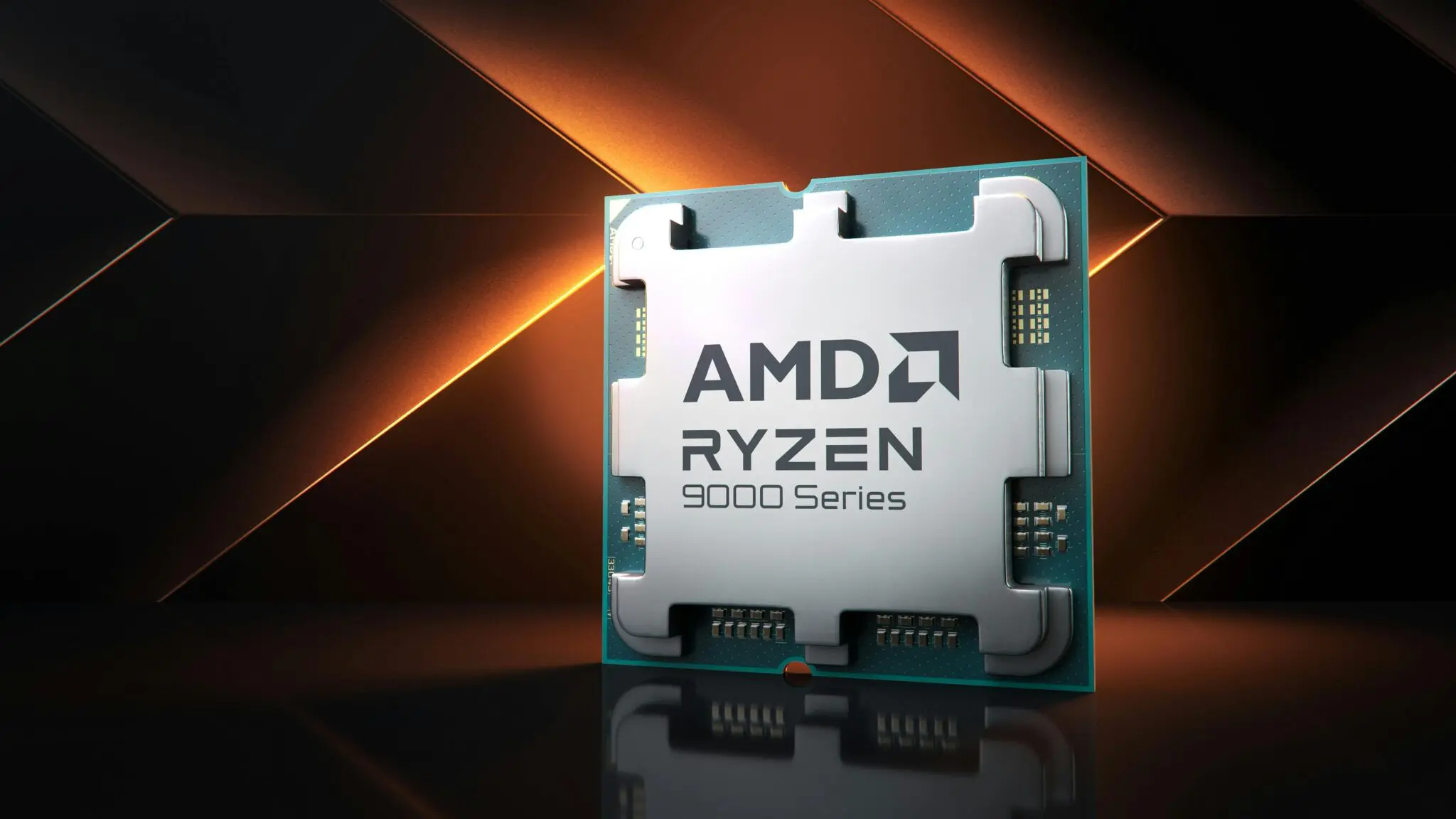
AMD's current strength is mainly in its X3D line. The Ryzen 7 9800X3D and Ryzen 9 9950X3D use AMD's 3D V-Cache technology, where extra cache is placed on the chip. AMD emphatically positions that technology as gaming-focused, and that fits with how these processors are officially portrayed. According to AMD, the Ryzen 7 9800X3D is an 8-core, 16-thread processor with support for DDR5 and PCIe 5.0. The Ryzen 9 9950X3D takes that to 16 cores and 32 threads, also with DDR5, PCIe 5.0 and 3D V-Cache. (amd.com)
On paper, that sounds technical. In practice, it mainly translates to how a system feels in CPU-sensitive games. In my own use, I notice that the Ryzen 7 9800X3D gives more peace of mind in sim racing. Fewer small dips. Less turmoil in heavy scenarios. More of a feeling that the system has margin left.
“On paper, it's about performance. In the cockpit, it's about confidence.”
This is also exactly why I find the AMD build more pleasant to drive. Not because my Intel setup is bad, but because the Ryzen machine makes me feel more quickly that everything is just right. Especially in simulators where CPU load plays a bigger role, that difference feels more relevant than a loose figure in a benchmark graph.
What I think is strong about it is that AMD is not just aiming for “more power” with this, but for a type of performance that comes into its own in gaming and certainly in sim racing. You can't always see that on the outside of a specification list. It's something you especially feel when a system remains quiet and stable over a longer session.
There is an immediate practical advantage to this. A game PC for sim racing often does not only run the simulator itself. Think of SimHub, overlays, telemetry tools, Discord, possibly streaming software, wheelbase software, dashboards or other peripheral applications. This is precisely when you appreciate a platform that continues to provide confidence even under that combined load.
Intel Core i9-14900K: strong, but different
That does not mean that the Intel Core i9-14900K is not a serious processor. On the contrary. It is still a fast chip that can work just fine for many users, including in sim racing. Especially if you're already on an Intel platform, it's not like you're suddenly driving with a poor base.
But the character is different. My Intel-triple setup feels less focused on pure sim racing than my AMD-ultrawide setup. Where AMD mostly gives me peace of mind, Intel feels more like the processor that is more broadly applicable. That's not necessarily a negative. In fact, for some users, it's an advantage.
A key example of this is Intel Quick Sync. Intel officially describes Quick Sync as dedicated media processing via Intel Graphics, intended to speed up encode and decode tasks while keeping the system responsive. For workflows around H.264 and H.265, among others, this could be relevant. (intel.com)
So yes, those looking for a lot of video editing, exporting or a more all-round productivity PC besides sim racing can still come out fine with Intel. But if you narrow the question down and focus purely on sim racing, AMD clearly slides to the fore for me.
Which is immediately why I wouldn't just dismiss Intel as “the wrong choice”. That would be too simplistic. If you already have an i9-14900K system sitting around, then you can still do an excellent job with that. If you work a lot with video, captures or other production-oriented tasks, then Intel is still logically defensible. Only: once you build the PC primarily around sim racing, AMD feels better tuned for that task at the moment.
How does this translate to practice in sim racing?
I don't just look at average FPS myself. I pay particular attention to rest. On frametimes. On how a system feels during a longer session. Can I just drive without thinking about the hardware? Or do I feel the system has to work harder as soon as the load increases?
“Especially in sim racing, you notice that it's not just FPS that counts, but how cleanly a system does its job.”
That is exactly where I have a more positive experience with the Ryzen 7 9800X3D than with my Intel Core i9-14900K. Again: that is not an entirely clinical comparison, as the screen configurations also differ. But my practical impression still stands. For pure sim racing, AMD currently feels more consistent and better balanced.
That also makes why this choice is especially relevant for people driving on ultrawide, triple screens or in VR. The heavier and more demanding the overall sim racing experience becomes, the more you appreciate such a stable base.
For me, the difference is also in mental calm. That may sound a bit abstract, but during sim racing it is actually very concrete. The less I am concerned with possible hardware limitations, the more I can focus on braking points, lines, traffic and consistency. A system that gives you confidence simply helps you drive better. And in the end, that's what a good sim racing PC is also about. Not about the idea that you've bought the most expensive or impressive parts, but about feeling like the technology is in the background. If that works, you'll be fine.
How different are ultrawide, triple screens and VR for your CPU choice?
Not every screen setup makes the same demands on your hardware. This is important because many buying recommendations still remain too general. A good build for a (ultrawide) single screen is not automatically also a logical build for triple screens or VR.
With ultrawide, you already get a considerably heavier graphics load than with a standard 16:9 screen, but the whole thing often remains more manageable than with a triple monitor setup. Triple screens firmly increase the overall rendering load and make the system as a whole more demanding. VR throws an extra layer on top of that, as not only raw performance counts, but also stability and low turbulence in frametimes.
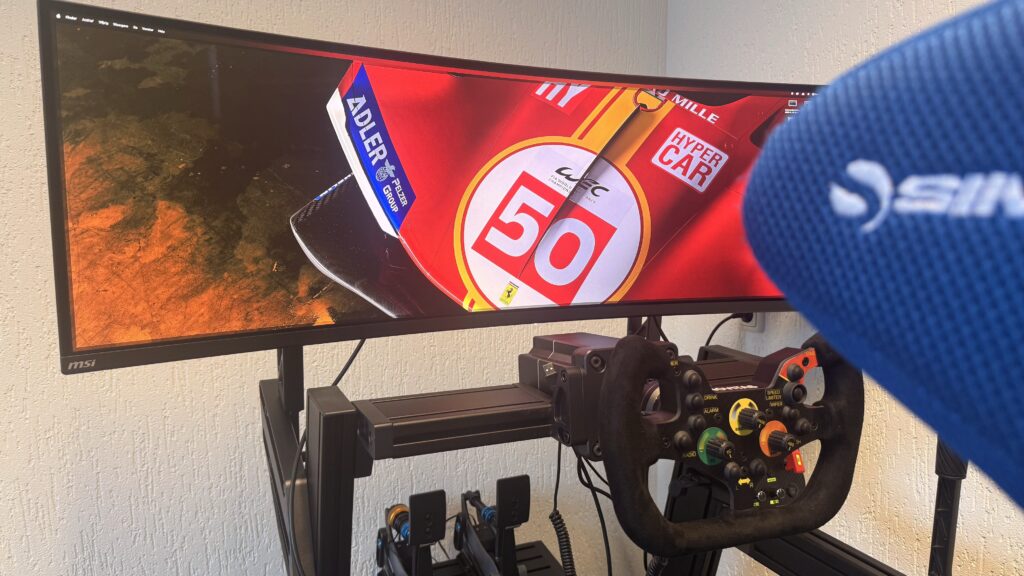
It is precisely in those tougher scenarios that the choice of a CPU becomes more interesting. Not because the processor suddenly determines everything, but because you have less room for doubt or weak links in the system. If you can then put down a build that gives just a bit more peace and margin, you notice it faster.
Which is also why I currently find AMD especially strong for the sim racer that builds seriously around ultrawide, triples or VR. Not because Intel can't function there, but because it is precisely in those demanding use cases that I prefer a platform that feels so purposeful for gaming and sim racing.
Which CPU do you choose for sim racing in 2026?
AMD Ryzen 7 9800X3D: the logical choice for pure sim racing
If sim racing is the heart of your build, the Ryzen 7 9800X3D is the most logical choice right now. Eight cores and 16 threads is more than enough for a modern sim racing build, and the gaming-oriented design of this chip clearly caters to CPU-sensitive simulators. I notice this in use myself.
This is the processor I would recommend to anyone building a new PC around iRacing, Automobilista 2, Le Mans Ultimate, Assetto Corsa EVO, Rally or any heavy ultrawide or VR configuration for. Not because it is the only good chip, but because this is currently the route that makes the most sense for sim racing.
What I find particularly strong about this is the balance. You don't buy unnecessary cpu for tasks you don't use, but you do build on a platform that is clearly well positioned in gaming. That makes this chip more interesting to many sim racers than a cpu that is broader but less clearly focused on pure gaming performance.
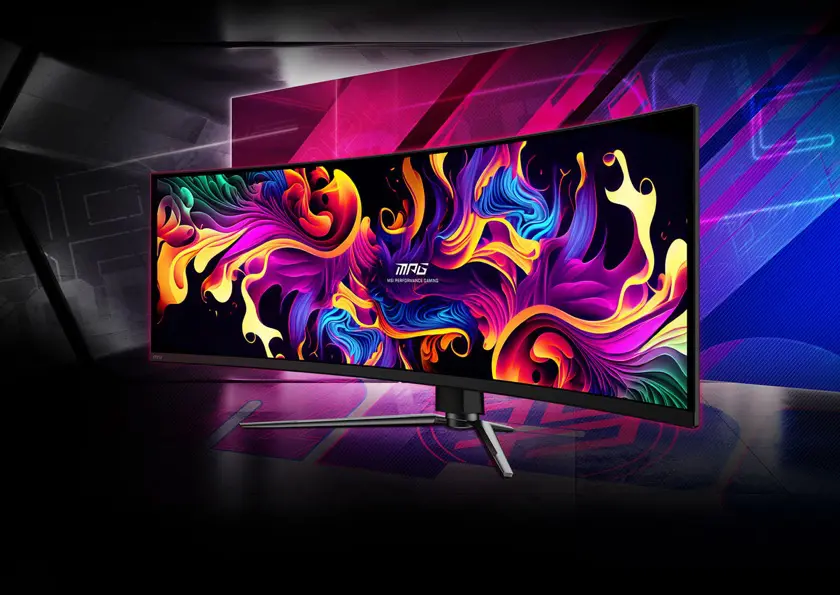
AMD Ryzen 9 9950X3D: for those who do more than just drive
If you also want to do serious video editing, streaming, rendering or heavy multitasking, then the Ryzen 9 9950X3D comes into the picture. That one combines the advantages of X3D gaming with much more processing power for other workloads. That makes it interesting for those who want a single high-end system that convinces both on and off the track.
This is where the nuance lies right away, though. For pure sim racing, it is by no means the smartest price-performance choice. You're explicitly paying for versatility here. If you don't use that, then the Ryzen 7 9800X3D usually makes more sense.
So this is mainly the CPU for the user who doesn't fancy two systems or obvious concessions. One machine. All the trimmings. Strong in sim racing, but also solid enough for serious production alongside it. If you don't have that profile, then it's smart to stay honest and not automatically fall for the most expensive model.
AMD Ryzen 7 7800X3D: still a smart middle ground
Not everyone necessarily needs to buy the latest model. This is precisely why the Ryzen 7 7800X3D remains interesting. If you want to build a strong sim racing PC without immediately reaching for the latest generation, this remains a very sensible option. Again, the strength is in the gaming focus, not in excess.
For those looking to be smart with budget, this is often a more interesting route than blindly picking the latest product. Especially if you prefer to invest a bit more in your GPU, cooling, storage or a better overall balance of the build, a slightly older but still strong CPU may just be the wiser choice.
When Intel can still make sense
Intel remains a defensible choice if:
- You're already on an Intel platform and don't want to replace everything;
- video editing and hardware encoding play a clear role;
- use your PC more widely than just for sim racing.
That is less sexy than simply declaring one brand the winner. But more honest. I would add one more thing: don't buy Intel because you think sim racing automatically benefits from “more of everything”. If you choose Intel, there should be a clear reason behind it. For example, your workflow. Your existing platform. Or your wider usage. Not simply the assumption that a more expensive or heavier-looking processor is automatically also the best sim racing choice.
Who is which CPU really for?
The best CPU does not exist independently of the user. This sounds like an open door, but it is surprisingly often forgotten. That's why it helps to make it concrete for a moment.
- If you are the sim racer who mainly drives, does little video editing and just wants as quiet and stable a system as possible for iRacing, Le Mans Ultimate, AMS2 or Assetto Corsa, then the Ryzen 7 9800X3D is the logical route.
- If you are someone who also creates content, edits videos, perhaps streams and wants to get everything out of one high-end system, then the Ryzen 9 9950X3D becomes more interesting.
- If you have a tighter budget but still want a gaming-oriented build that feels very serious for sim racing, the Ryzen 7 7800X3D remains a strong middle ground.
If you are already on Intel, you use your PC very broadly and don't want to change your entire platform immediately, then an Intel choice is still perfectly justifiable. Only I wouldn't build a completely new sim racing build from pure sim racing logic around Intel in 2026, unless your use case really demands it.
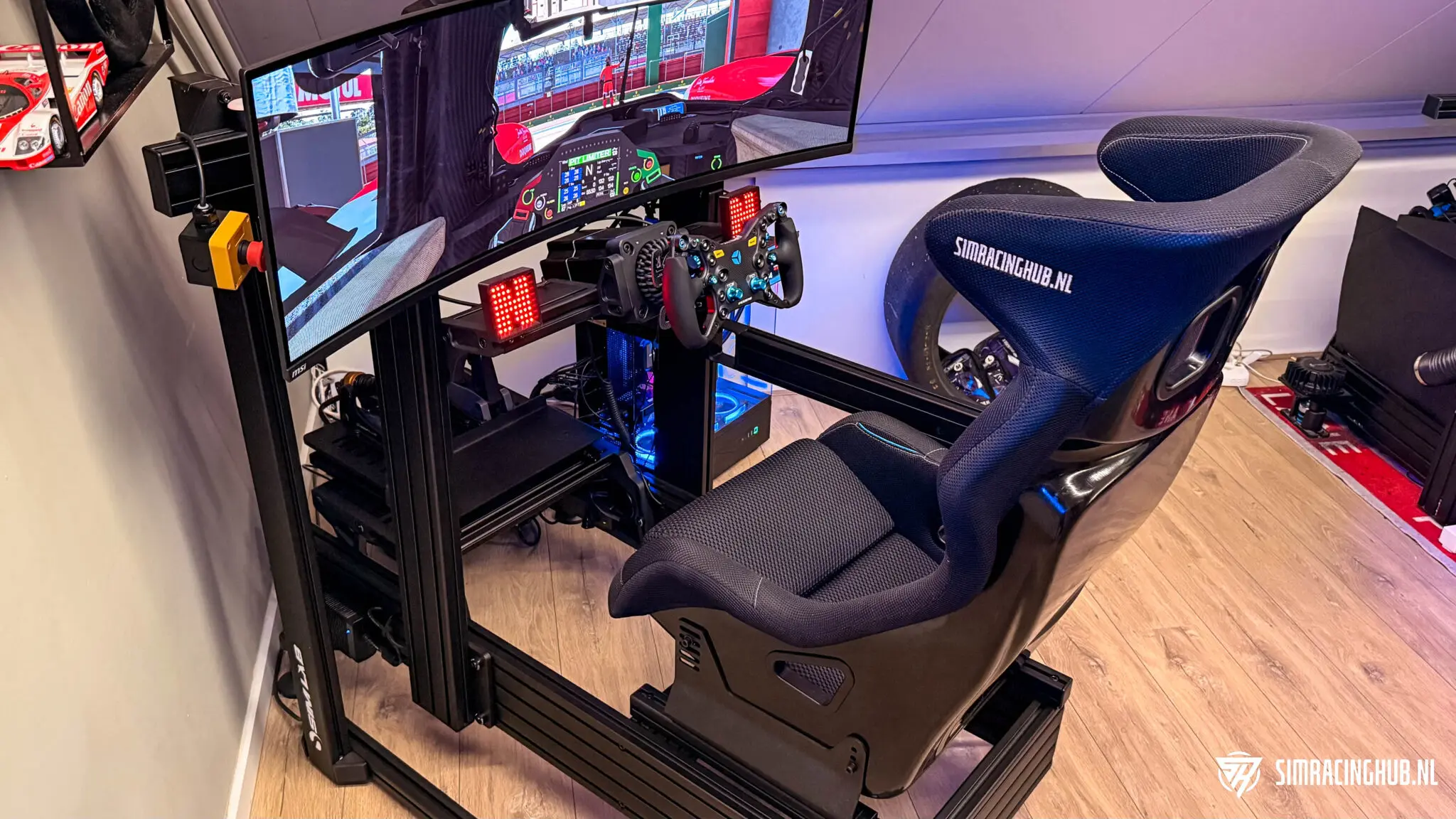
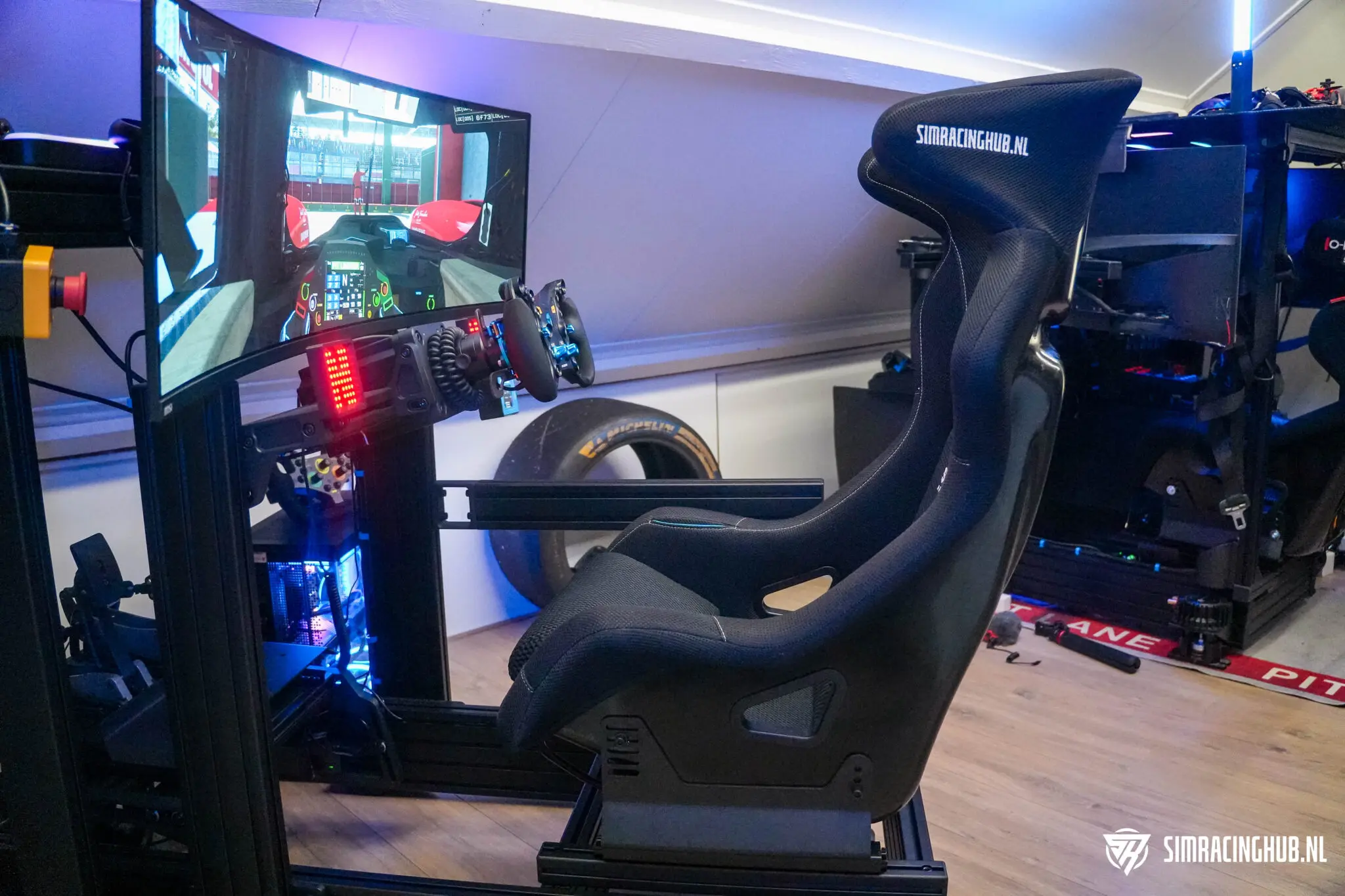
Configuring a full gaming PC for sim racing
The biggest mistake I often see is that people pick one component and kind of collect the rest around it. Then the CPU becomes the hero-product, while the overall build is flawed. And that's exactly where you lose performance, stability or simply money. A good sim racing PC is always an overall picture.
GPU: don't underestimate this component
With high resolutions, ultrawide, triple screens and VR, the video card becomes extremely important. Then it makes little sense to invest heavily in a top-end CPU if you compromise too much on the GPU. For heavier sim racing builds, the video card has to match the screen and resolution you are driving at. Otherwise, you build a system that looks strong on paper but feels skewed in practice.
This is why your CPU choice should always be considered together with your screen choice. This happens too infrequently. A beautiful cpu combined with a video card that is too light is a waste. The same applies the other way round. An extremely heavy GPU on a build that doesn't keep up cpu-wise doesn't feel optimal either. Balance is not a buzzword here. It is literally what the quality of your driving experience stands or falls with.
RAM: 32 GB is the safe base
For a modern sim racing PC, 32 GB DDR5 is the safe lower limit. Especially with the - absurdly high - prices of RAM memory. This gives you enough space for your simulator, background software, Discord, telemetry tools and other peripheral programmes without directly hitting the limit. If you use your PC more widely or work with extra-heavy workflows, then 64GB might make sense.
This is also where people often cut corners. Not because you should always buy the most expensive memory, but because cheap choices sometimes seem fine on paper while in practice they just don't give the peace of mind you're looking for in a modern build. So make sure memory does not become a closing item if you are investing in a serious sim racing PC anyway.
Storage: fast enough is more important than marketing talk
A fast NVMe SSD just makes sense for a modern build. Large simulators, mods and video files quickly fill up storage space, so 2 TB is by no means a luxury. But don't expect a panacea for your sim racing performance here. Fast storage is nice, just not the part that suddenly transforms your build.
This is exactly one of those parts where marketing sometimes shouts louder than practice. Yes, storage has to be good. Yes, it saves on load times and ease of use. But no, this is not where you win the essence of your sim racing performance. Think of it as important foundation, not the exciting part of the build.
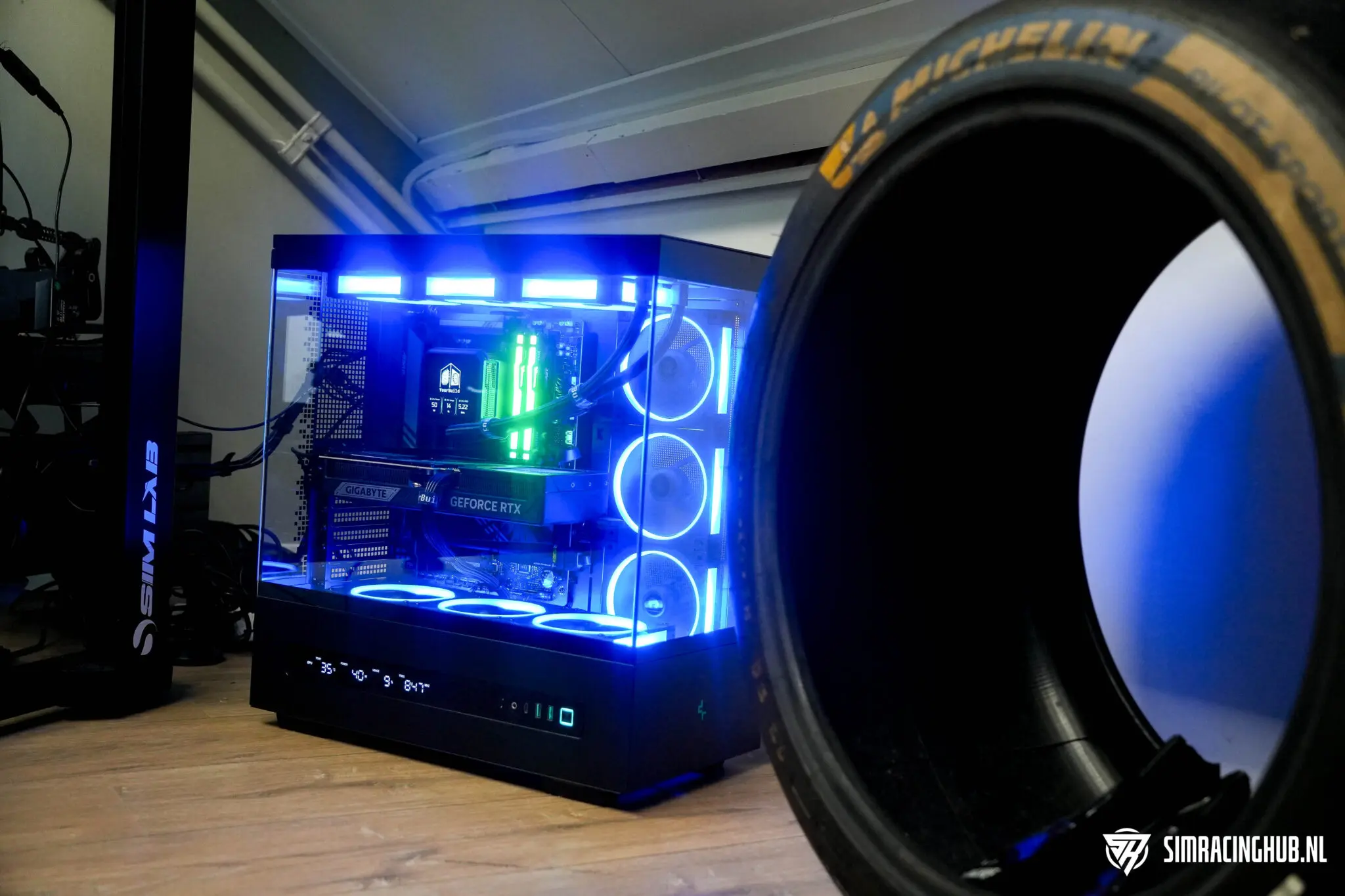
Cooling and power supply: you don't want to compromise here
A sim racing PC should not only be fast, but also be able to run stably for hours. This is precisely why cooling and power supply are not components you should skimp on blindly. A system that stays quiet, cool and stable under prolonged load simply feels better in real life.
And you also notice this between these platforms. My Intel i9-14900K build clearly requires more attention around heat and load than my Ryzen 7 9800X3D system. That alone makes AMD more attractive to many sim racers as a basis for a new build.
By the way, good cooling is not just a technical story. It is also a comfort story. Less noise. Less heat. Less the feeling that your system has to constantly prop itself up. Especially when you drive long sessions or put in a lot of hours, those are exactly the things that start to count.
Motherboard, platform and upgrade path
When putting together a gaming PC for sim racing, the motherboard is often treated as a purely functional component. This is partly justified, but also oversimplified. After all, you don't just choose a board, you choose a platform and thus indirectly your upgrade path.
That is precisely where AMD currently has an attractive story. AMD itself communicates that AM5 will be supported through 2027 and beyond. (Source: amd.com) For someone who doesn't want to replace his entire base with every CPU upgrade as well, that's just relevant.
That doesn't mean you should blindly choose a motherboard based on future fantasy. It does mean that it is smart to look beyond today's processor. If you already know now that you might want to move on in a few years, then the platform choice is part of your decision.
Sim racing PC to be configured via YourBuild.co.uk
This is precisely why in this article I want to steer not only on loose CPU selection, but also on smartly configuring an entire gaming PC. Because that's where things often go wrong in practice. A good sim racing pc is not about the most expensive component, but about the right combination of components.
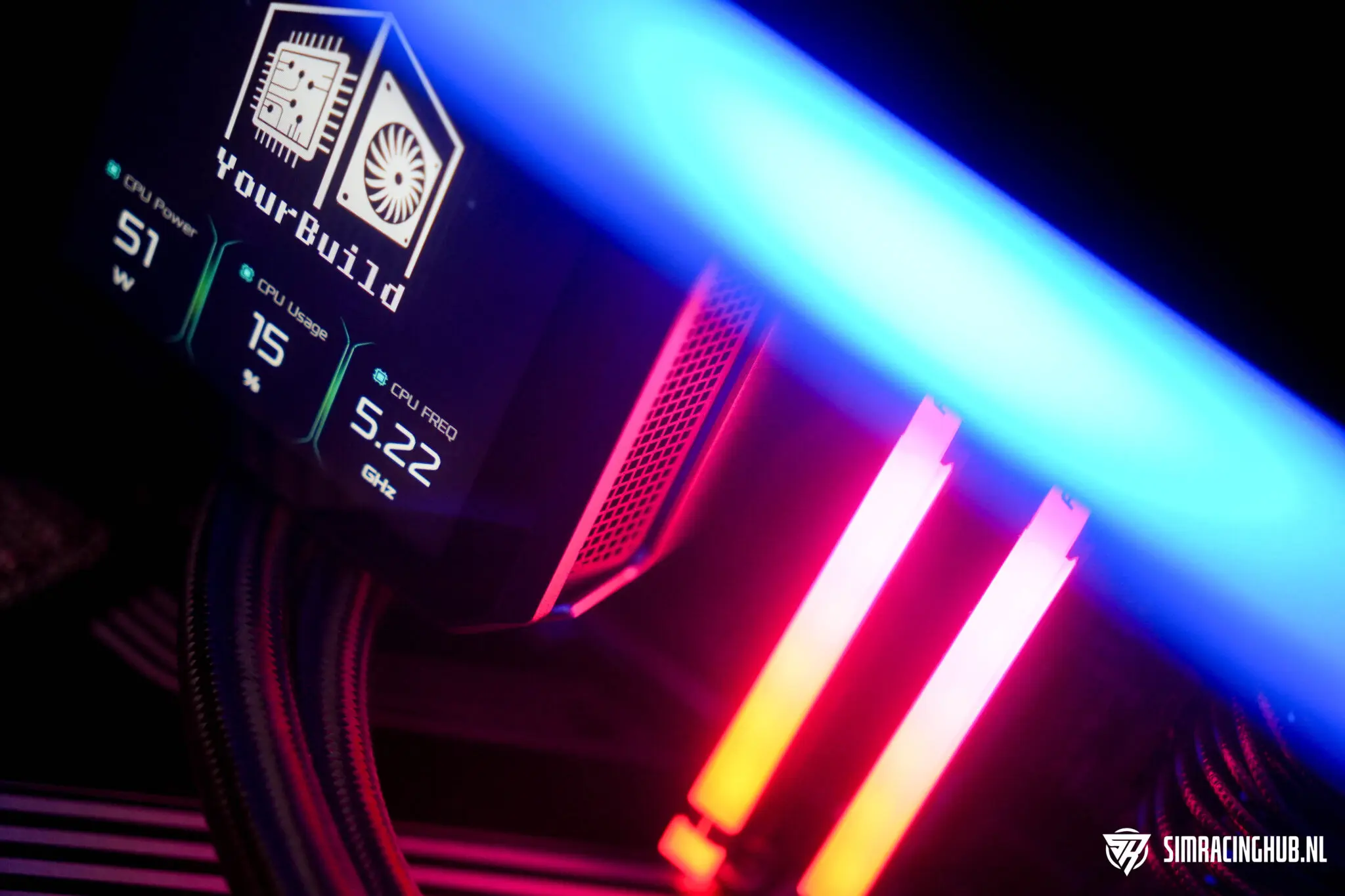
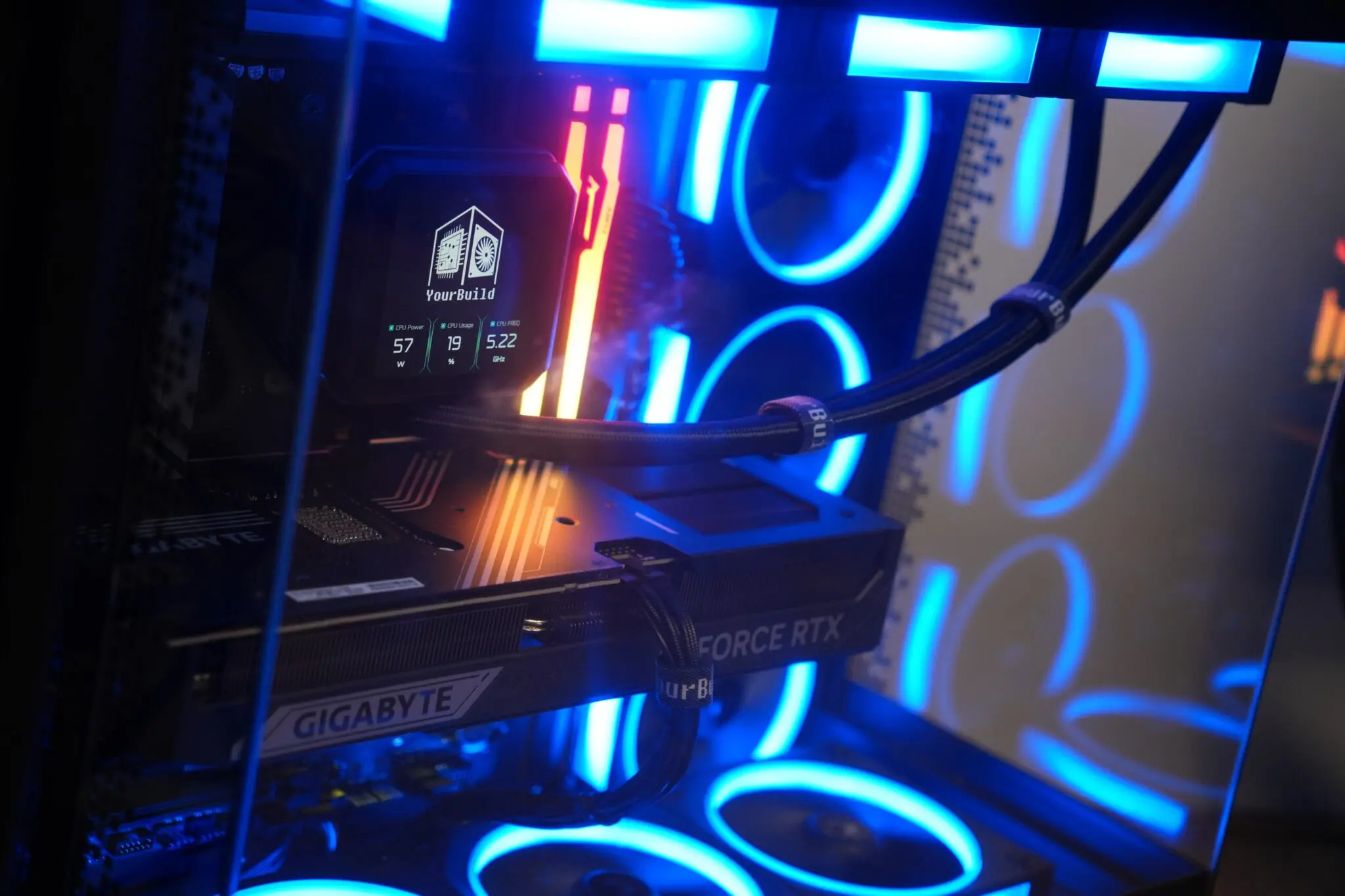
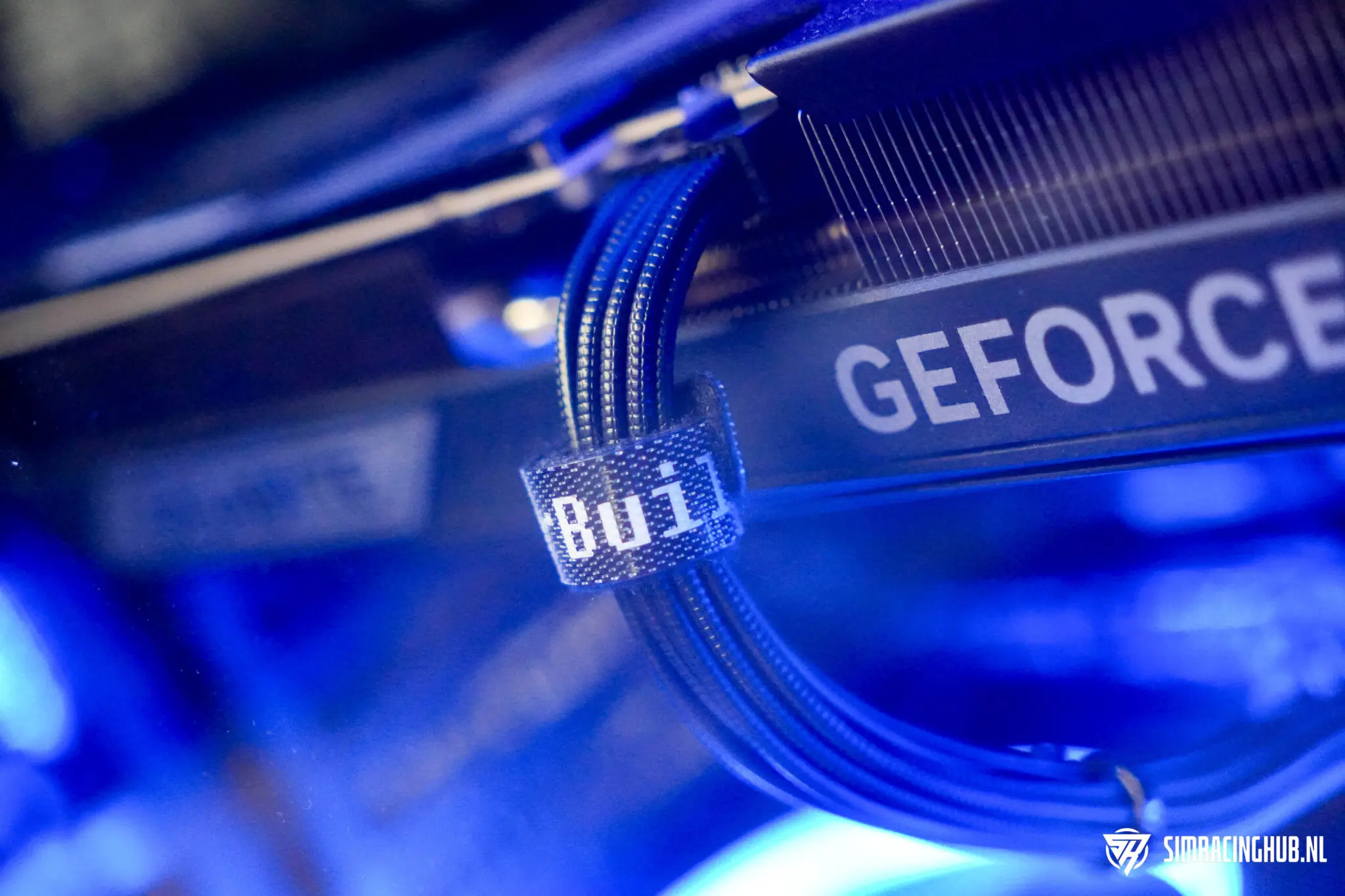
This is exactly why a party like YourBuild.co.uk is interesting. Not because you can't build it yourself, but because good advice prevents a lot of mistakes. My ultrawide gaming PC with Ryzen 7 9800X3D was configured via YourBuild, and that very system confirms to me how big a difference it makes when component selection, balance and tuning are just right.
If you drive on a single screen, a good build will look different from triple screens or VR. In addition, if you stream a lot, the priorities shift again. If you mainly want to run iRacing or Le Mans Ultimate as stable as possible, you will want to make different choices than when video editing is just as important as driving. That is precisely the added value of configuration advice: don't just buy a gaming PC, but have a sim racing PC put together that really suits your use.
That is exactly where the commercial and content strength lies. You don't simply sell parts then. You sell peace of mind. Certainty. A system that is right for the way someone rides. And honestly, that is much more valuable than an individual parts list without context. If you want to dive deeper into that, it's smart to also read our YourBuild sim racing pc build review read. In it, I go into more detail about the build, component choices and how such a system holds up in practice.
When is self-building smart and when is it not?
Building your own remains attractive. Not only because it can save money, but also because many sim racers simply enjoy having a grip on their hardware. Choosing, putting together and optimising everything yourself definitely has something. But building it yourself is also often made more romantic than it is. Compatibility, BIOS updates, cooler-clearance, memory training, troubleshooting, cable management and warranty handling are all part of it. For some, that's part of the fun. For another, it's mostly a waste of time.

YourBuild.co.uk Discount code
That's why it's smart to be honest about it. If you are someone who gets energy from that, then building it yourself is still a fine route. If you mainly want to drive and a system that's right the first time, then having it configured via a specialist is often just the more logical choice.
Especially in sim racing, I see this as an advantage. Because the ideal build often depends not only on budget, but also on screen type, simulators, desired quietness in the system, any streaming plans and how widely you use the PC besides. Then targeted advice is not a luxury. Then it simply prevents wrong choices.
Conclusion: for whom is what the best choice?
The conclusion may not be spectacular, but it is clear. For pure sim racing, I would choose AMD in 2026. Not out of brand preference, but because my own experience as well as the official positioning of these chips point in the same direction: this platform simply better suits what many simulators demand at the moment.
Therein lies the most important lesson of this whole article. Don't just look at the CPU itself. Look at your overall usage. At your screen setup. At the sims you play. At whether you additionally stream, edit or use your PC for other heavy tasks. Only then will you make a choice that not only looks good on paper, but actually feels good in practice.
“If I were starting from scratch right now, I would choose AMD without a doubt. Not because Intel is bad, but because in sim racing, the 9800X3D just does what you want a processor to do: not have to think about it.”
And this is precisely why I think good and honest advice is so important. You don't build a strong sim racing PC by blindly choosing the most expensive component. You build it by combining components that reinforce each other. This is also why a party like YourBuild.co.uk can be interesting for many sim racers. Not because building it yourself is wrong, but because a system that is well balanced from the start will ultimately earn you more than a loose list of expensive components.
Choose AMD Ryzen 7 9800X3D as:
- sim racing is your primary goal;
- you drive on ultrawide, triple screens or in VR;
- you value stable frametimes and a quiet system;
- you want a future-proof platform that you can upgrade later.
Choose AMD Ryzen 9 9950X3D as:
- you seriously edit, render or stream in addition to racing;
- you want one system that handles gaming and productivity both strongly.
Consider Intel as:
- You're already on an Intel platform and don't want to replace everything;
- video editing and hardware encoding play a clear role;
- using your PC more broadly than just sim racing.
So is AMD or Intel the better choice for sim racing in 2026? For me, the answer is clear. If sim racing is the main focus, then I point to AMD. If you're looking for a broader system where productivity and video editing weigh just as heavily, then Intel remains defensible. But purely in terms of how a system should feel while driving, how little attention it requires and how much confidence it provides, then For me, AMD wins this equation as the best CPU for sim racing.
AMD Ryzen 7 9800X3D
The best CPU for sim racing in 2026
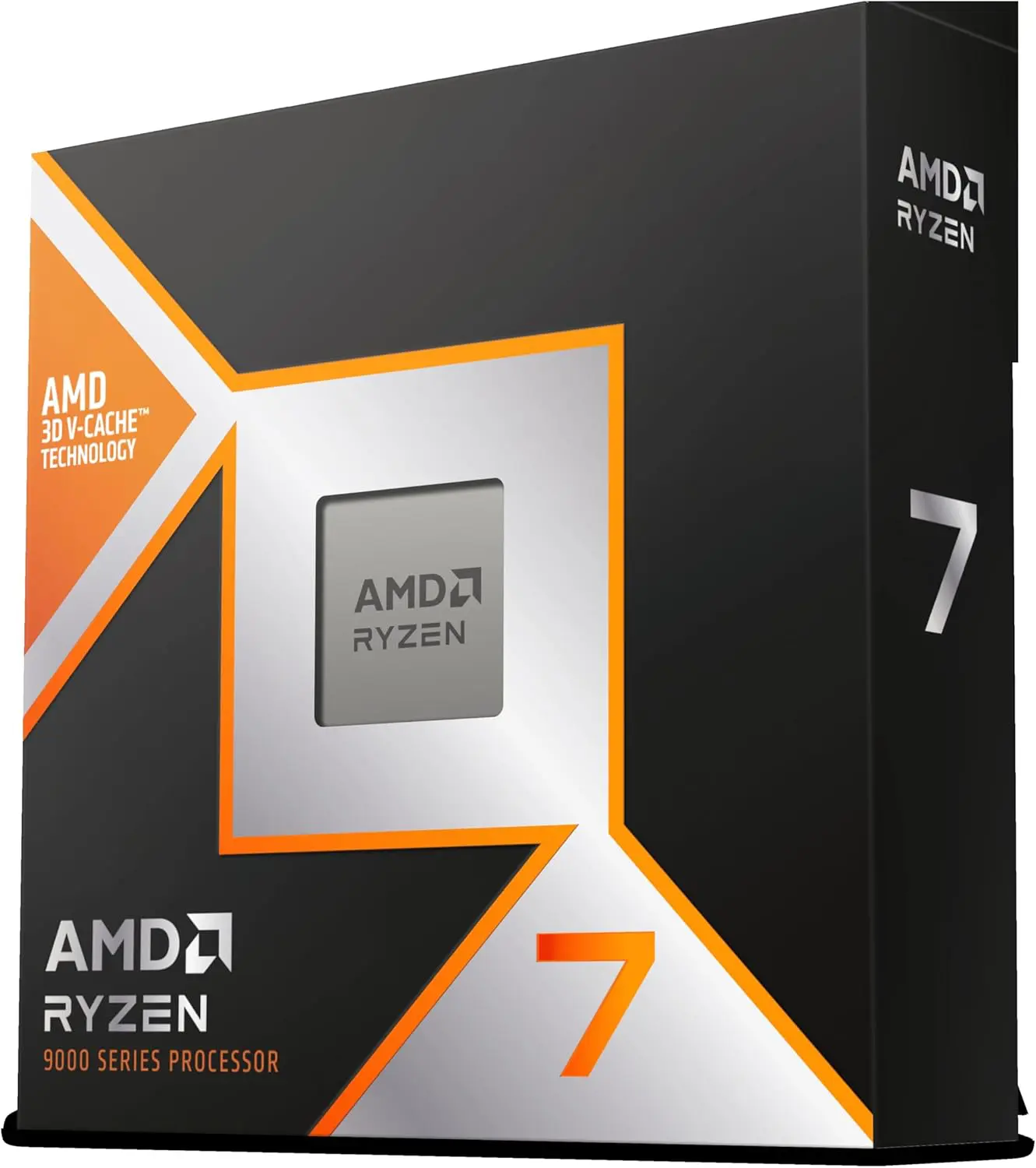
Above all, are you looking for maximum quietness, stable frametimes and strong performance in iRacing, Le Mans Ultimate, Automobilista 2 or Assetto Corsa? Then the Ryzen 7 9800X3D is the most logical choice right now. In my own experience, this CPU feels more consistent and better balanced than my Intel Core i9-14900K, especially in a demanding sim racing setup.
/prod
FAQ
An overview of some frequently asked questions can be found below
Is AMD better than Intel for sim racing?
For a new build intended primarily for sim racing, I would rather choose AMD at this point. X3D processors in particular are a strong fit for CPU-sensitive simulators. Intel remains useful, but especially when video editing, multitasking or an existing Intel platform weighs heavily.
For sim racing, do I need more cores or a faster gaming CPU?
For sim racing, you usually benefit more from a processor that performs strongly in gaming than simply as many cores as possible. Extra cores are useful for productivity and multitasking, but during driving it's mostly about stability, frametimes and how a system continues to feel under load.
Is the Ryzen 7 9800X3D the best CPU for sim racing?
At least for a new sim racing build, it is currently one of the most logical choices. Especially if you drive on ultrawide, triple screens or in VR and value a quiet, stable system.
Is Intel still a good choice for a sim racing PC?
Yes, but mainly in specific situations. For example, if you are already on Intel, if you edit a lot of videos or if you use your PC very broadly besides sim racing. For pure sim racing, I would rather recommend AMD at the moment.
How much RAM do I need for a sim racing pc?
For a modern sim racing PC, 32 GB DDR5 is the safe bet. This gives you enough space for your sim, background software and extra tools. If you also use your system for heavier productivity tasks, 64 GB might make sense.
Does it make sense to have a sim racing PC custom configured?
Yes, precisely because many builds go wrong on balance. A cpu, gpu, power supply, cooling and memory need to be well matched. If you don't want to dive deep into that yourself, a specialist like YourBuild.co.uk can avoid a lot of mistakes and make your system fit your setup and goals better.

 Nederlands
  Deutsch
  English (UK)
  Français